The Best of Both Worlds: How Creative Professionals Are Making Paper and Digital Work Together

For a while, it seemed like the story was headed in one direction. Apps got smarter, tablets got better styluses, and the paperless office felt inevitable. But walk into any serious creative studio in New York, Austin, or Portland right now, and you'll find something interesting: paper notebooks sitting right next to open laptops. Sticky notes clinging to monitor bezels. Printed briefs covered in handwritten margin notes.
The paperless future didn't arrive. And a growing number of creative professionals aren't waiting around for it.
Instead, they're building hybrid systems—deliberate workflows that use physical paper for certain kinds of thinking and digital tools for others. Not because they're resistant to technology, but because they've figured out that different cognitive tasks actually benefit from different media. The key word there is deliberate. This isn't about being disorganized or stuck in old habits. It's about matching the tool to the task.
Why the False Choice Was Always a Problem
The framing of "paper vs. digital" was never really accurate. It assumed that note-taking is a single activity with a single set of requirements. But anyone who's worked on a complex creative project knows that's not true. There's the messy, generative thinking that happens at the beginning of a project—the brainstorming, the free association, the sketching of half-formed ideas. And then there's the structured documentation that needs to happen later: meeting summaries, project timelines, client-facing notes.
These are fundamentally different cognitive activities. Forcing both into the same medium—whether that's a Notion database or a spiral notebook—creates friction. The hybrid approach solves this by assigning each type of thinking to the medium where it thrives.
Research has consistently shown that handwriting engages the brain differently than typing. The slower pace of writing by hand encourages synthesis and prioritization—you can't transcribe everything, so you process as you go. For initial ideation and conceptual work, that's a feature, not a bug. For archiving, searching, and sharing? Digital wins every time.
Real Workflows From the Field
Let's get specific about what this looks like in practice.
The Creative Director Model: One common hybrid setup used by art directors and brand designers involves keeping a dedicated dot-grid notebook for visual ideation—thumbnail sketches, color notes, layout concepts—and using a project management tool like Asana or Linear for task tracking and team communication. The notebook never needs to be searchable because it's not meant to be a reference document. It's a thinking tool. Once an idea is developed enough to share, it gets photographed and dropped into a shared folder or brief.
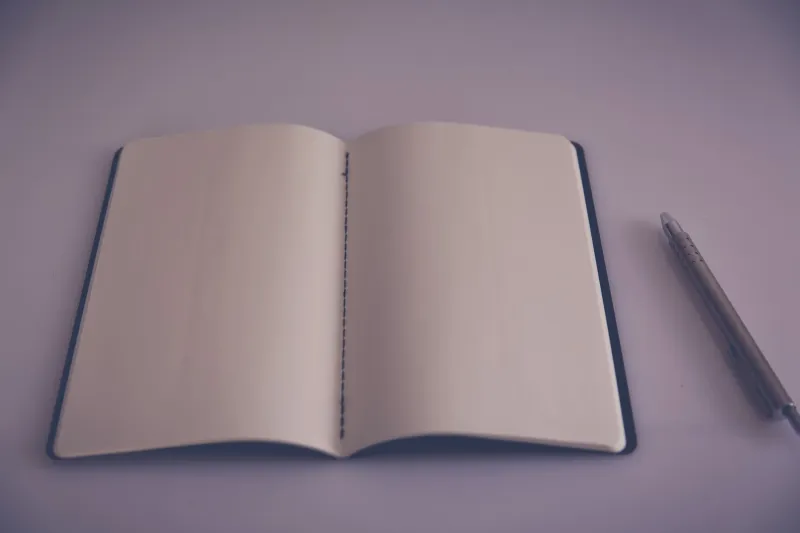
The Writer's Two-Stage System: Many content strategists and editorial writers swear by a two-stage drafting process. Stage one happens on paper: a blank or lightly lined notebook where they map out structure, jot down research angles, and work through argument logic without the distraction of a blinking cursor. Stage two moves to a writing app. The paper stage isn't about producing polished prose—it's about thinking out loud without the pressure of a screen. Writers who've adopted this approach often describe it as dramatically reducing the friction of starting.
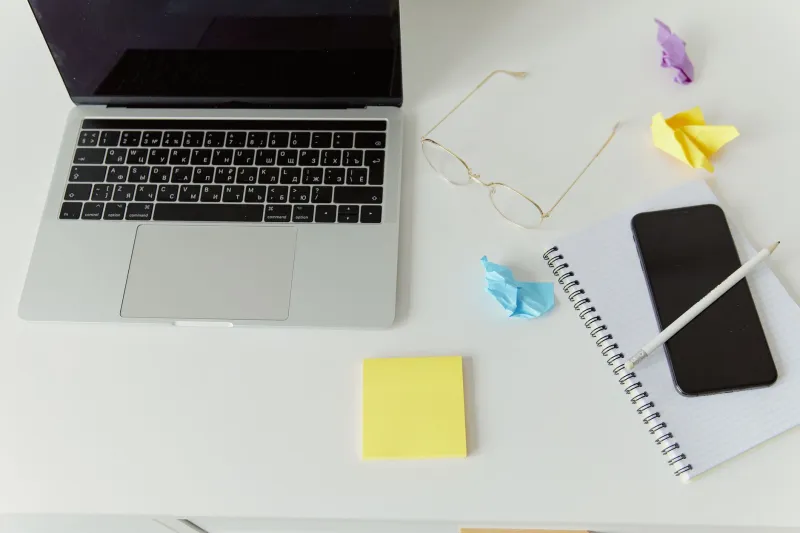
The Strategy Team Approach: In agency and consulting contexts, hybrid systems often revolve around the meeting itself. Paper notebooks get used during live sessions—client meetings, workshops, sprint planning—because writing by hand signals engagement and keeps people present rather than half-attending while staring at a laptop. After the meeting, key points get transcribed into a shared digital workspace. The physical notes serve as a backup and a richer personal record; the digital version serves the team.
Choosing the Right Paper for a Hybrid System
Not all paper products work equally well in hybrid workflows. The specific type of notebook or paper you use can either support or undermine the system.
Dot-grid over ruled. For hybrid users who sketch, diagram, or use visual organization methods, dot-grid paper is significantly more versatile than traditional ruled lines. It provides just enough structure for straight lines without boxing in non-linear thinkers. Brands that offer quality dot-grid options have seen surging interest from the design and strategy communities for exactly this reason.
Paper weight matters more than you think. If you're photographing or scanning your handwritten notes to bring them into a digital system—which many hybrid users do—paper that holds ink cleanly without bleed-through produces much cleaner scans. A heavier stock, typically 90gsm or above, makes a meaningful difference in legibility when notes are digitized.
Consider lay-flat binding. Notebooks that open fully flat are genuinely more functional for active use, especially if you're writing alongside a laptop or tablet. Coil-bound and certain sewn-binding styles accommodate this better than standard glued-spine notebooks, which can be frustrating when you're working across surfaces.
Index cards and sticky notes as bridge tools. One underrated element of hybrid workflows is the use of index cards and sticky notes as portable, transferable idea units. A concept sketched on a card can be pinned to a physical board, photographed, and then moved to a digital workspace—giving it a life in both worlds. This is particularly popular among UX researchers and product teams who use physical card-sorting exercises.
The Digital Side of the Bridge
A hybrid system is only as strong as its digital component, and the best setups pair good paper habits with digital tools that are genuinely designed to receive analog input. Apps like Notion, Obsidian, and Apple Notes have all developed better workflows for capturing and linking handwritten content—whether through direct photo import, OCR scanning, or integration with tools like the reMarkable tablet.
The goal isn't to replicate the paper experience digitally. It's to extract the most useful elements of handwritten notes—key decisions, action items, developed ideas—and give them a permanent, searchable home. The paper notebook remains the record of how you thought. The digital system becomes the record of what you decided.
Starting Simple
If you're curious about building a hybrid system but not sure where to start, the easiest entry point is a single rule: use paper for the first pass. Whatever you're working on—a new campaign, a client proposal, a product roadmap—spend the first 15 minutes with a notebook before you open a single app. You might be surprised how much cleaner your digital work becomes when the messy, generative thinking has already happened somewhere else.
The tools you choose for that first pass matter. Good paper, the right format, a notebook that feels worth writing in—these aren't trivial considerations. They're the foundation of a system that actually gets used.
And a system that gets used is the only kind worth building.